
// Inclusive UX & Accessibility Testing Services
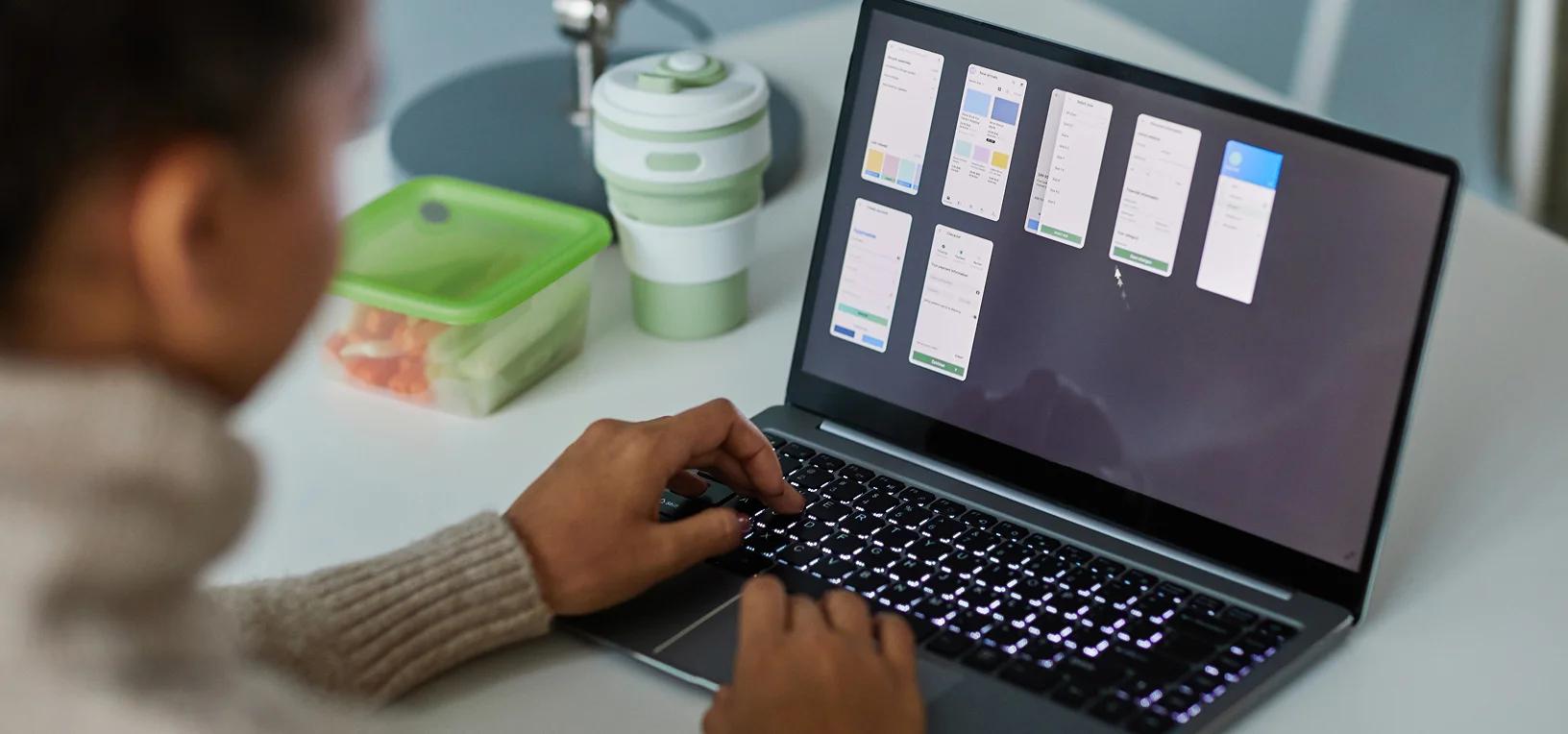



// Why Accessibility Fails After Launch
Design Handoff Gaps
Accessible designs get implemented inaccessibly. Focus order breaks, contrast gets lost in dark mode, touch targets shrink in responsive layouts.
ARIA Misuse
Roles and attributes added to help screen readers often break navigation instead, creating chaos for assistive technology.
Automated Tools Miss 60%
Scanners catch structural issues but can't test keyboard flow, AT announcements, or cognitive load. Manual testing is non-negotiable.
Our a11y testing company goes past the scanner, into how your product actually behaves for assistive-technology users.
// Inclusive UX Testing, Not a Checkbox
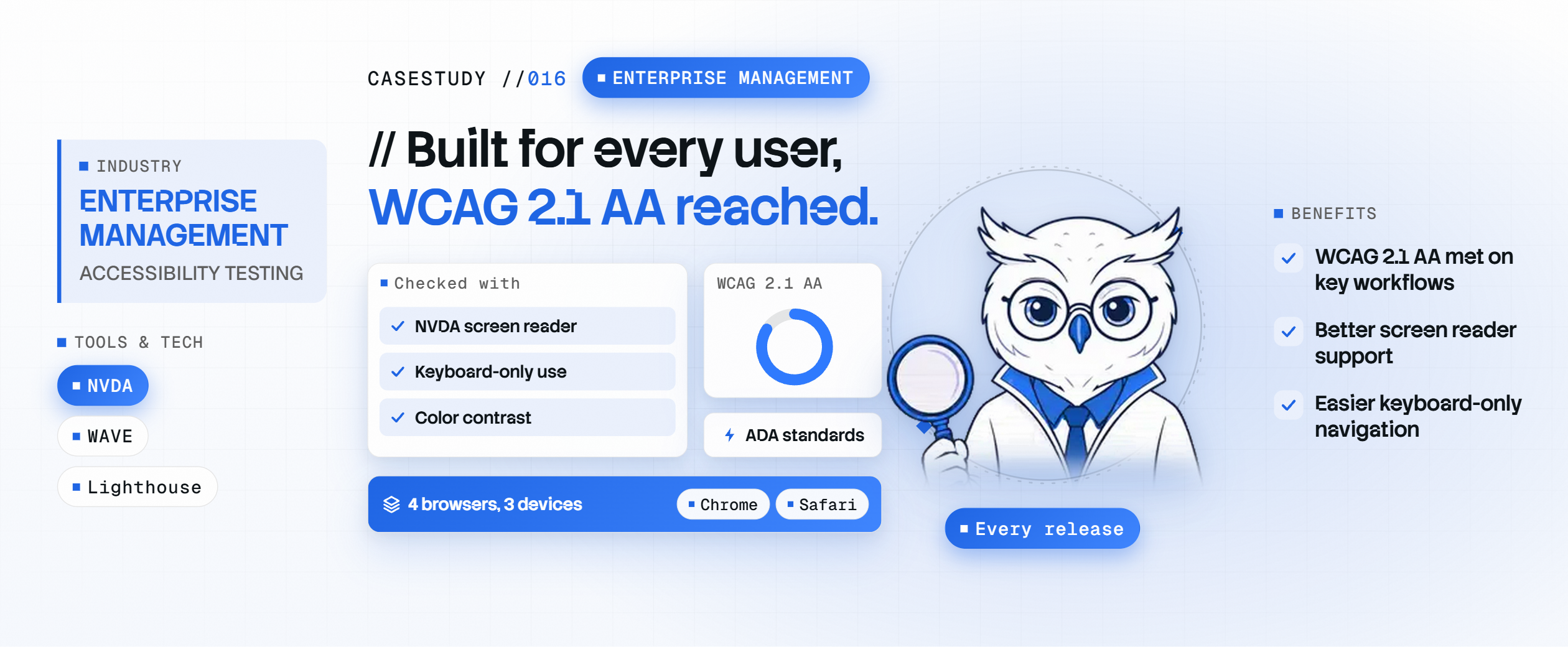
WCAG 2.1 & 2.2 Compliance
Full validation across perceivable, operable, understandable, and robust criteria, including 2.2's newer target-size and authentication rules.
Screen Reader Testing
Real-world testing with NVDA, JAWS, VoiceOver, and TalkBack, validating announcements and navigation flow, not just presence of labels.
Keyboard Navigation
Full keyboard traversal: tab order, focus indicators, modal trapping, and interaction patterns, no mouse required.
Design-to-Code Audit
Figma or Sketch review for accessible intent, then a code audit to confirm implementation fidelity, closing the handoff gap.

// Tool Ecosystem & Testing Infrastructure

// Deliverables, Not Just a Scan Report
Design Audit Report
Accessibility findings on your Figma or Sketch files, before a line of code is written.
Component & Full-Page Testing
Manual results across components and full user journeys, with screen reader session recordings.
WCAG/ADA Conformance Audit
A clear conformance report mapped to the standard that matters for your market.
Remediation Roadmap & Re-audit
Prioritized fixes, then a re-audit once your team ships them.
// From 60% Blind Spots to Full WCAG 2.2 Confidence.
// Latest Articles.

// Questions, Answered.
Who is Inclusive UX Testing built for?
It's built for teams needing WCAG 2.1 or 2.2 AA compliance validated, not assumed; organizations facing ADA, Section 508, or EAA legal exposure; teams shipping SPAs where dynamic content breaks screen readers; and design teams whose handoff keeps losing accessibility intent in code.
What's the difference between WCAG 2.1 and WCAG 2.2?
WCAG 2.1 covers 50 criteria across perceivable, operable, understandable, and robust. WCAG 2.2 adds newer criteria for target size, enhanced focus visibility, dragging alternatives, and accessible authentication. Our a11y testing company validates against both.
Which screen readers do you test with?
NVDA and JAWS on Windows, VoiceOver on iOS and macOS, and TalkBack on Android, plus keyboard-only and voice control navigation. We recommend at least three screen readers for comprehensive inclusive UX testing.
How do you test accessibility in single-page applications?
We validate that route changes announce to screen readers, modals trap focus correctly, and live regions update as expected. Automated scanners run in CI, but manual testing with real assistive technology is what catches lost focus and silent failures.
Can you audit our Figma designs before development?
Yes. We review color contrast, touch target sizing, focus indicators, and semantic structure directly in Figma or Sketch, catching issues before they ever reach code.
Is WCAG compliance the same as ADA compliance?
Not exactly. WCAG is a technical standard; the ADA is US law requiring equal access, and the DOJ treats WCAG 2.1 AA as its baseline. Compliance means being technically sound under WCAG and legally defensible under the ADA, and we validate both.
What does a typical accessibility testing engagement deliver?
A design audit report, component and full-page manual testing results, a WCAG or ADA conformance audit, a prioritized remediation roadmap, and a re-audit once fixes ship, usually across 2 to 8 weeks depending on scope.